Gifts and formats
How to design a custom T-shirt or tote bag
Start with a bold image and a clear silhouette for a T-shirt or tote bag. In AutoPrint, choose the product first enough to check the crop, fabric color and available sizes before ordering.
 Liam Wu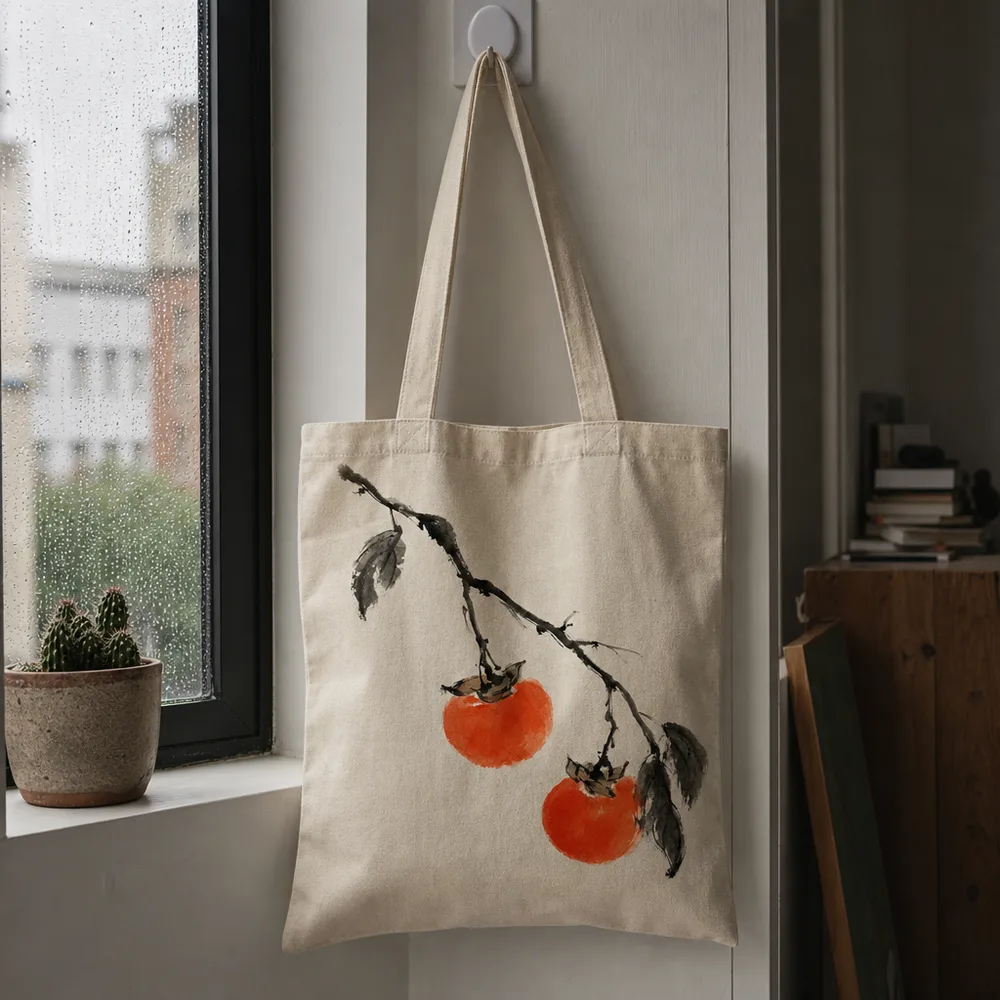
Treat fabric as part of the design
A design lives against the garment or bag, rather than an empty screen. A dark illustration can lose contrast on dark fabric. Fine pale lines may not remain as visible as the thumbnail suggests.
Simple shapes and a limited palette make the design easier to inspect. Keep small text out of the first version unless you already have an accurate, readable source image.
Match the image to the print area
A wide scene may feel cramped on a narrow print area. A centered symbol or a vertical composition can fit better. Preview the image on the product rather than judging only the flat art.
A tote is also carried and folded. Put the essential detail in the central area. For apparel, check the product’s size options and fit information separately from the artwork preview.
Use the current options
AutoPrint’s product pages describe the active choices. Pick the desired size and color, then confirm the price for that selection. Do not treat a homepage example as proof that every garment, size or color is available.
If you want to sell apparel rather than order a personal piece, consider whether you also need a storefront, bulk workflow and fulfillment integration. The consumer studio and a seller’s business system solve different jobs.
How do I keep a design readable on a T-shirt?
Choose one main shape or subject and inspect it against the selected fabric color. A dark drawing on a dark shirt can lose its outline; several small captions can be hard to read at the size shown on the garment. Check the actual product preview rather than only the flat image.
Use an accurately prepared upload when exact text matters. Review the available garment size and fit information separately from the artwork. If you change the product or fabric color, check the design again instead of carrying over the earlier preview as your final choice.
- Choose the garment and available color.
- Check the main subject and text at the displayed print size.
- Review garment size and fit before placing the order.
Common questions
- Can I bring my own design?
- Yes. Upload artwork you have permission to use, then inspect it on the selected T-shirt or tote.
- Can I use tiny text in a generated design?
- Review every letter closely. Use a prepared image with accurate typography when exact wording is essential.