Gifts and formats
Small personalized gifts for a desk or phone
Pick the object someone will use, then simplify the image for its shape. AutoPrint’s smaller formats turn a photograph or art idea into a desk gift without requiring a large wall print.
 Crystal Holman
 Ashley Long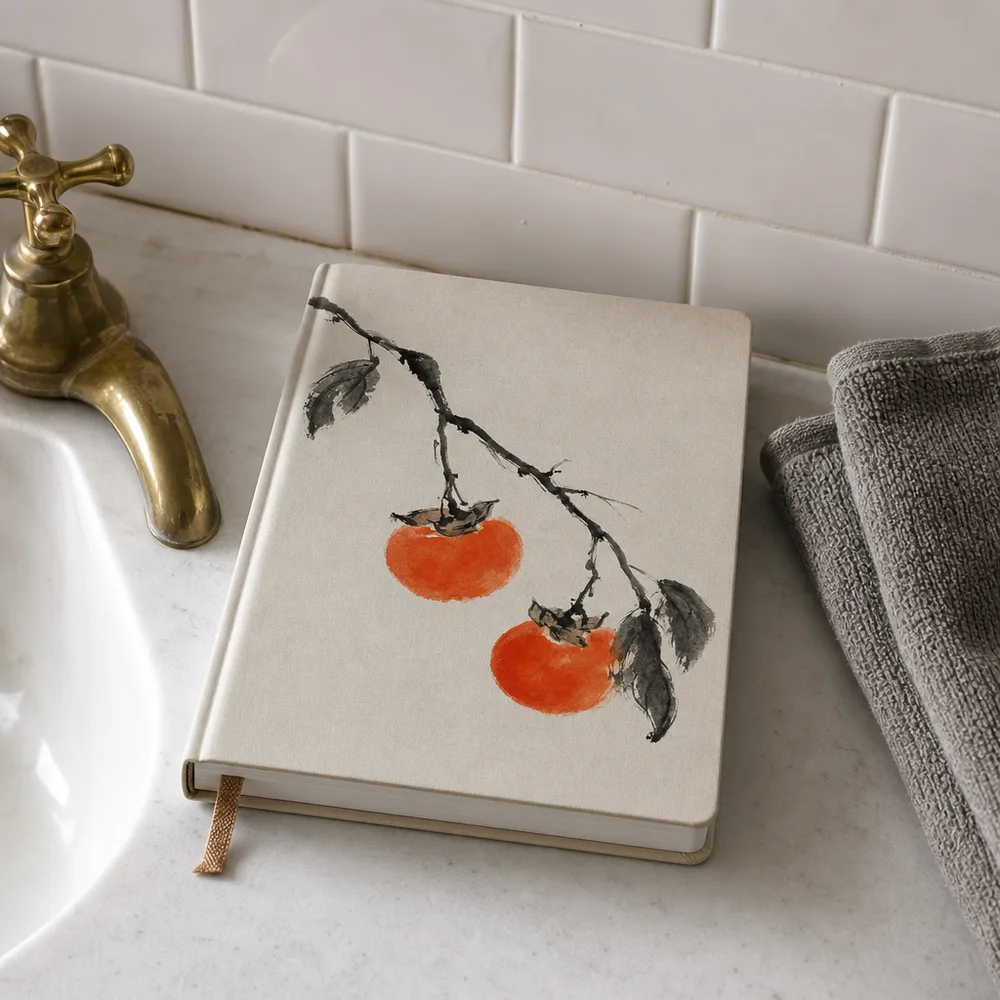
Give the gift a job
A notebook cover can carry a strong illustration. A mouse pad gives a desk a patch of color. A sticker needs a recognizable image at a glance. A phone case must fit the selected device option.
Choose the object based on daily use rather than putting the same busy picture on every format. A personal reference can be enough; it does not need several slogans or decorative details.
Check the shape and interruptions
A phone case has a camera opening. A notebook has an edge and binding. An acrylic block displays the image as an object rather than a sheet on a wall. Inspect the selected preview for details that run into these areas.
Keep the important subject away from cropped or obstructed edges. Use a larger original if the design includes small detail. Do not assume every phone model is available; read the actual product options.
Keep the final check practical
Read any generated lettering carefully. Confirm the exact device, size or format selection, then review the final price. A small gift is easier to replace in your design process than after it has been printed.
For a coordinated set, use a shared palette and repeat one visual idea. Adjust the crop for each object so the family of designs looks intentional.
How do I make a photo gift for someone with little desk space?
Choose an object the recipient already uses, such as a notebook or mouse pad, instead of assuming they want another item to display. Use one recognizable photograph or illustration and inspect it on that object’s shape. A small design needs a clear focal point more than a long caption.
For a phone case, verify that the available device option matches the recipient’s phone and check the camera opening. For another format, inspect any binding or cropped edge. If you cannot confirm the required device or size, choose an object whose options you can verify.
- Choose an object that fits the recipient’s daily use.
- Check the image against openings, edges or binding.
- Confirm the exact device, size or product option before ordering.
Common questions
- Can I make a matching set?
- You can use a related image or palette across available formats. Review and order each selected physical product with its own options.
- How do I choose a phone case?
- Check the device options on the phone-case product page. Select the exact supported model and inspect the camera opening in the preview.